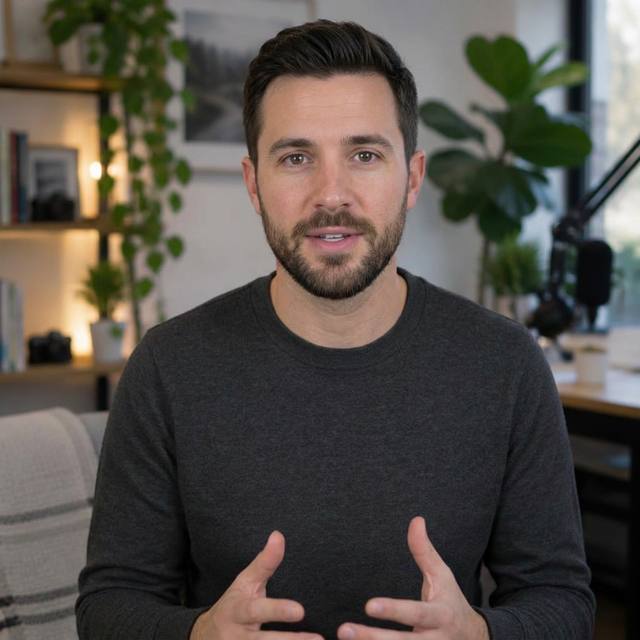
Upload the original video
Provide a video with spoken dialogue. Set its project name and choose 720p or 1080p. The workflow keeps the original visuals while replacing the spoken audio.
Give an existing video a new spoken language without rebuilding the visuals. AuraClipy processes the original speech, translates it and produces a newly voiced version.
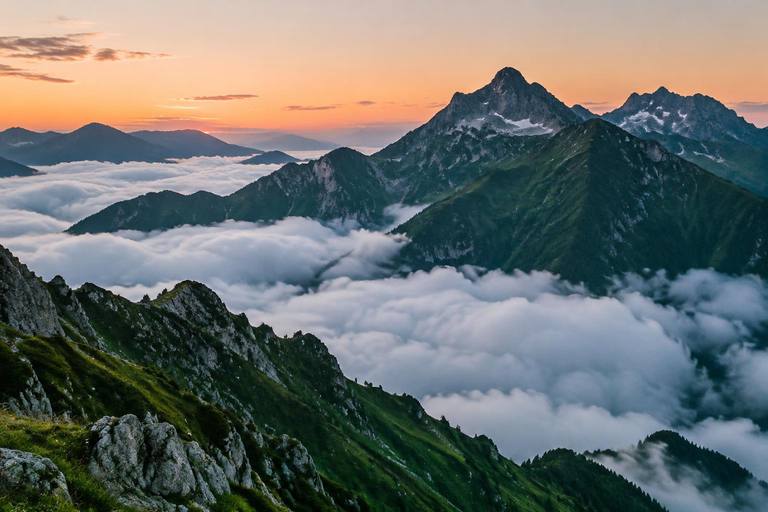
Por encima de las nubes, el mundo se siente diferente.
ES · DUBBEDWhen to use it
Choose this when the video already works visually and you want to share it with an audience in another language. Available in the Gold Plan and TEAM PLAN (videos up to 30 minutes and 2 GB).
The real workflow
Provide a video with spoken dialogue. Set its project name and choose 720p or 1080p. The workflow keeps the original visuals while replacing the spoken audio.
AuraClipy transcribes the speech with phrase boundaries. These start and end timestamps form the timing windows used by the translated narration.
Above the clouds,
the world feels different.
The mountains wake with the first light.
Select the target language. AuraClipy translates the dialogue with attention to meaning, natural phrasing and available speaking time, rewriting phrases when needed to fit.
Above the clouds, the world feels different.
00:00.000 → 00:04.200Phrase length reviewed against the original
Select an available voice for the target language and region. Preview the voice before generating the localized narration; available voices depend on the configured provider.
The generated phrases are aligned to the original dialogue windows. Timing adjustments keep delivery natural while fitting the new audio to the existing video.


Start the render and use background rendering when offered. The pipeline processes transcription, translation, voice generation and synchronization; the completed dubbed video is available in Recent Exports.
Why it helps
Open the creator and choose Video Dubbing.